more and more often, links over the atlantic ocean are reported to hflink.net
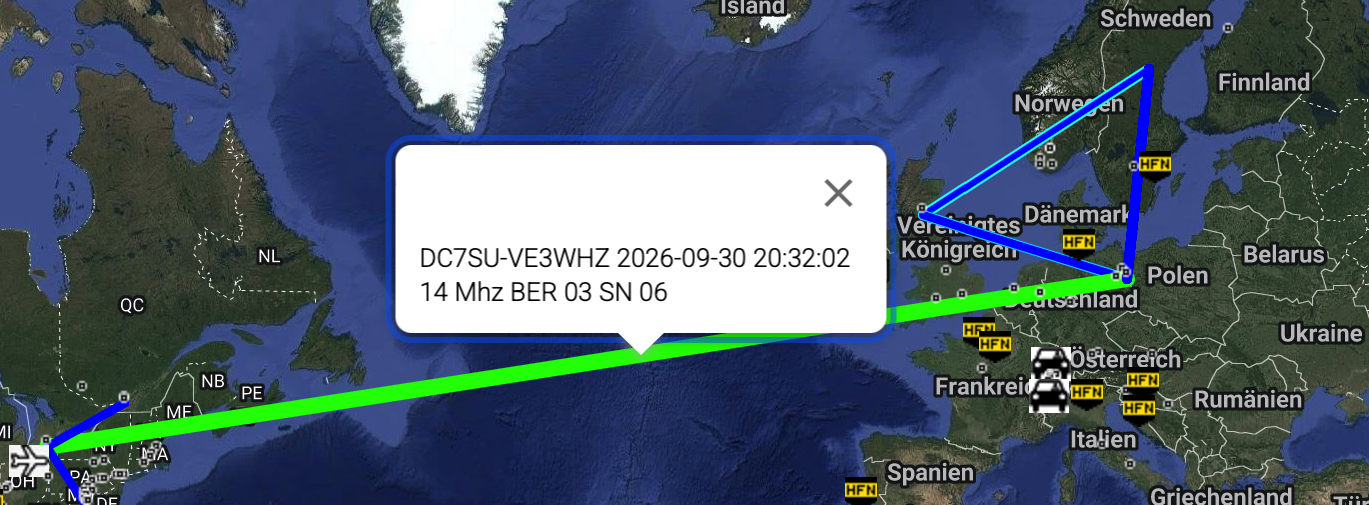
we hope this is a sign for a coexisting future of the US and the EU.
ALE allgemein
more and more often, links over the atlantic ocean are reported to hflink.net
we hope this is a sign for a coexisting future of the US and the EU.
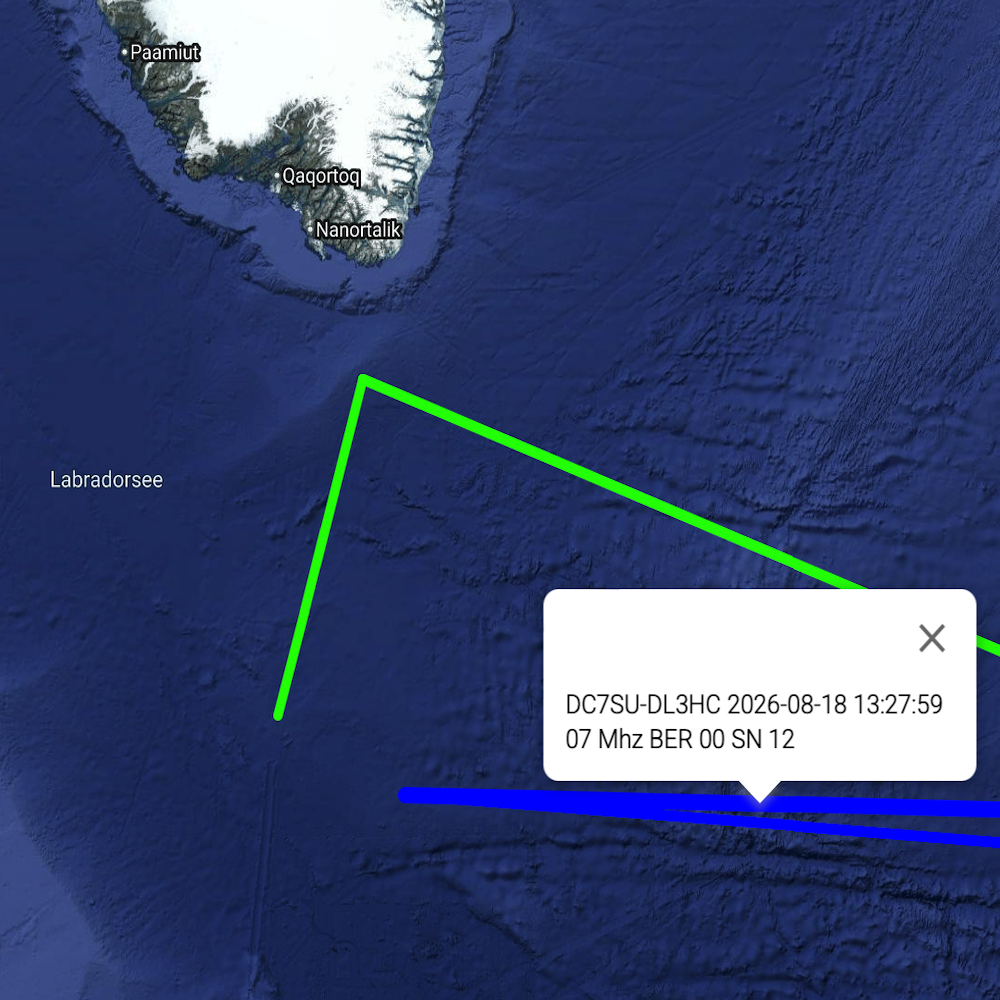
When you report to hflink.net/maps for the first time – regardless of the software used – you (or rather, your station) will appear on the map somewhere in the Labrador Sea, south of Greenland.
This is because hflink.net does not import location data from the specific program; instead, you have to enter it into hflink.net yourself.
I would like to show you how to do this — both on a desktop, and on a mobile device.
I am assuming that you have already registered with hflink.net and have an account.
First, go to the landing page hflink.net, where you will see a sort of chat window. Click the “Panels” icon above that window:
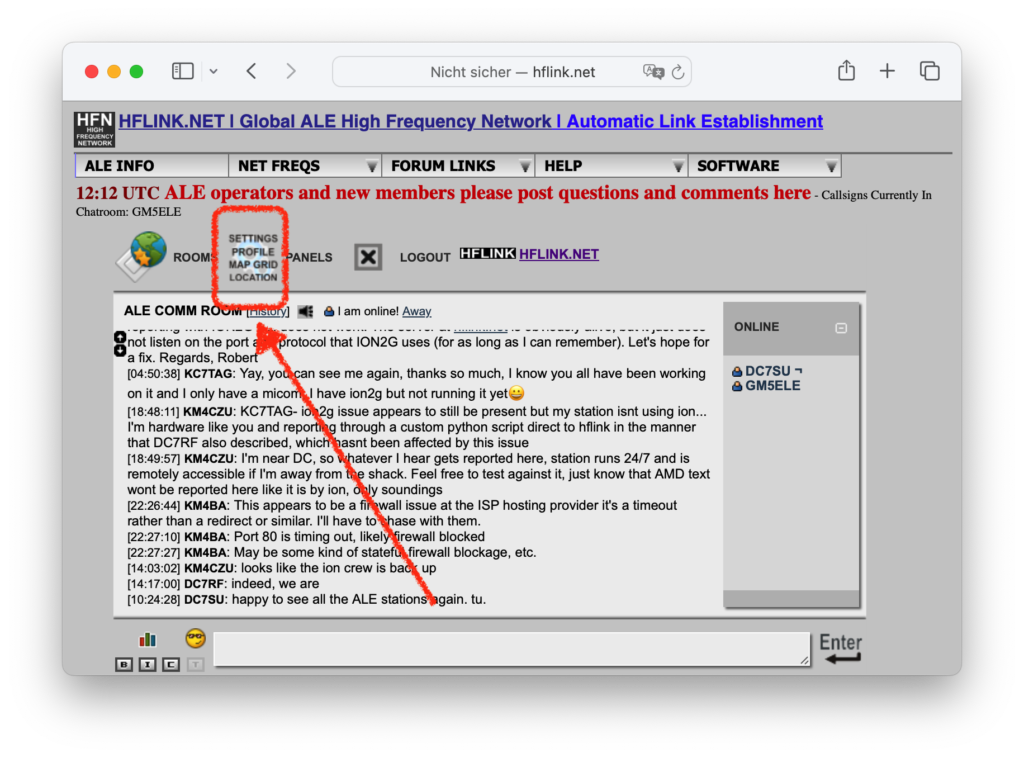
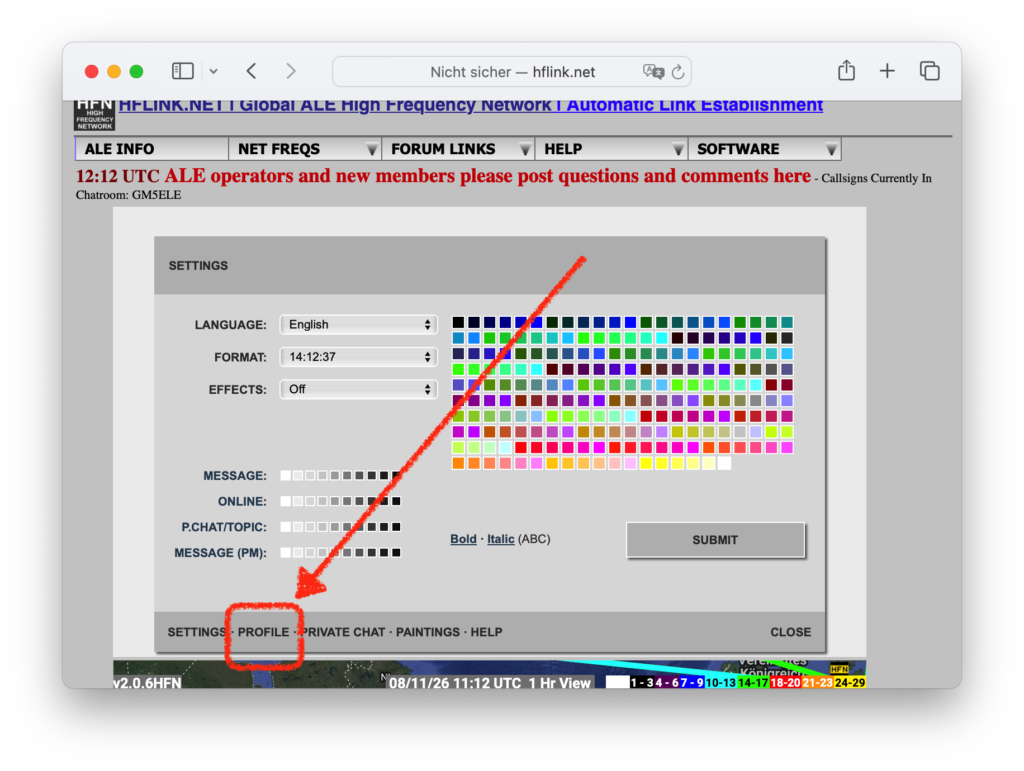
Now click on PROFILE in the dark gray bar at the bottom.
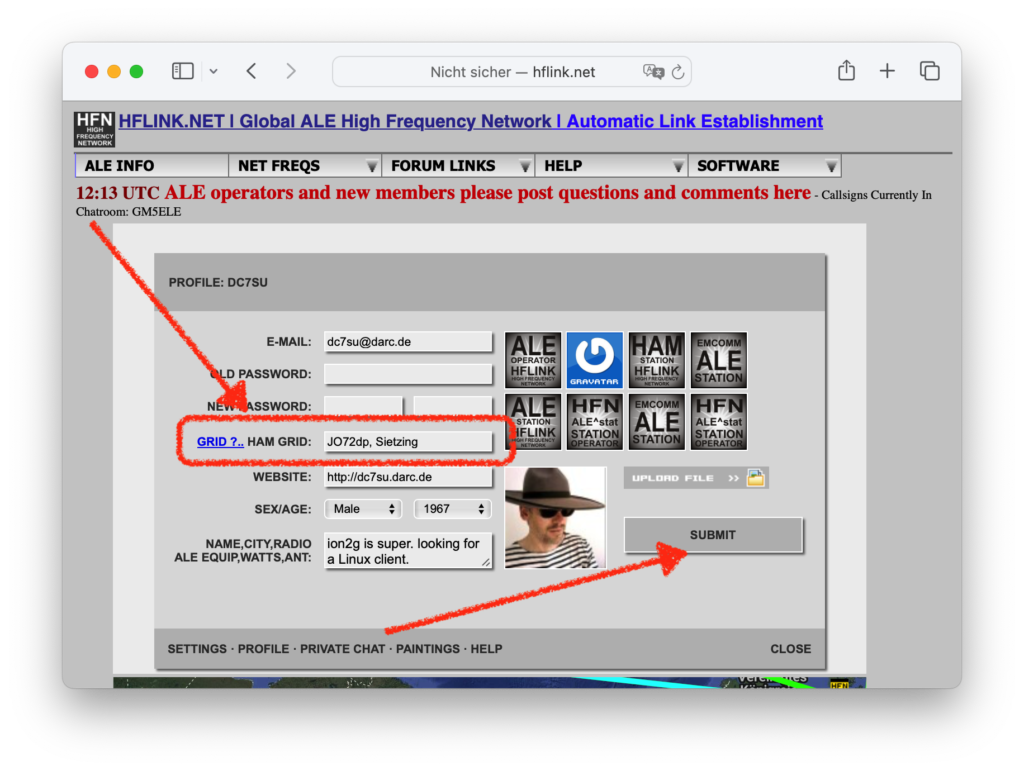
Now you can enter a Maidenhead locator at HAM GRID: Optionally the place name after a space; any string, maximum 9 bytes long.
By the way: grid.radio from Rose, M1RXO, offers a nice way to determine your locator.
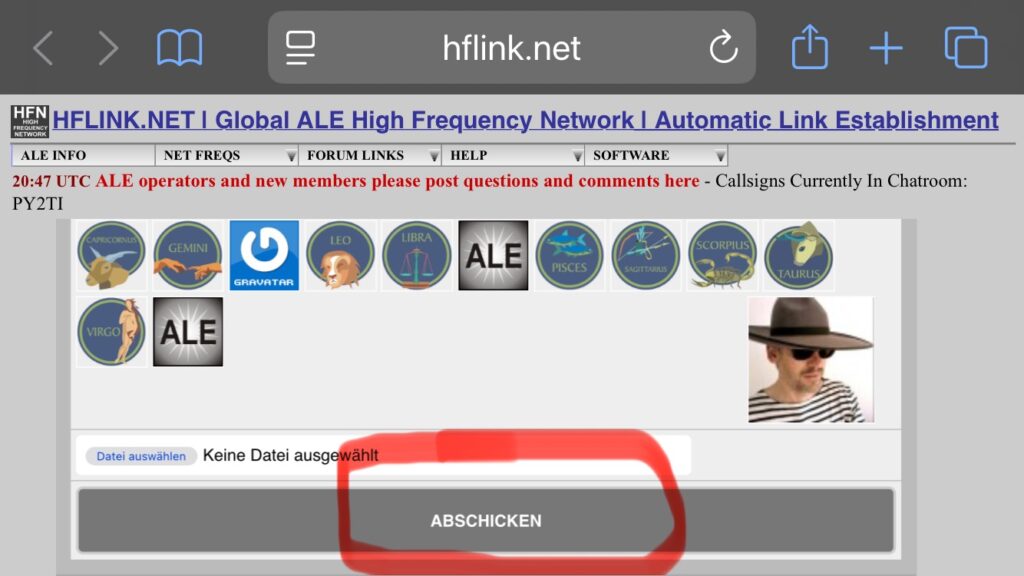
Now, don’t forget to click the SUBMIT button.
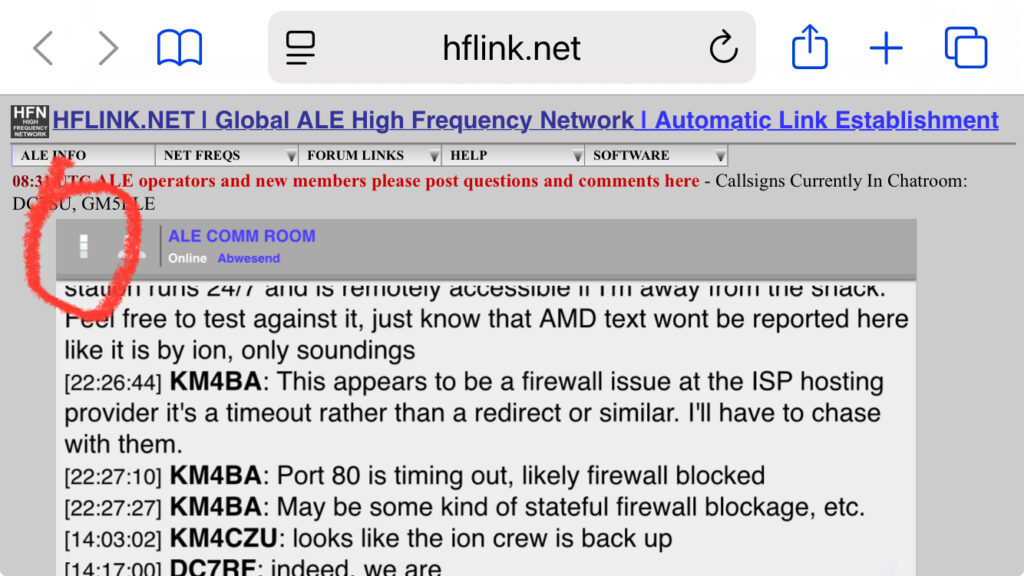
Here, too, go to the landing page (?) hflink.net, where you can see the chat window. Click on the stack of three squares above that window:
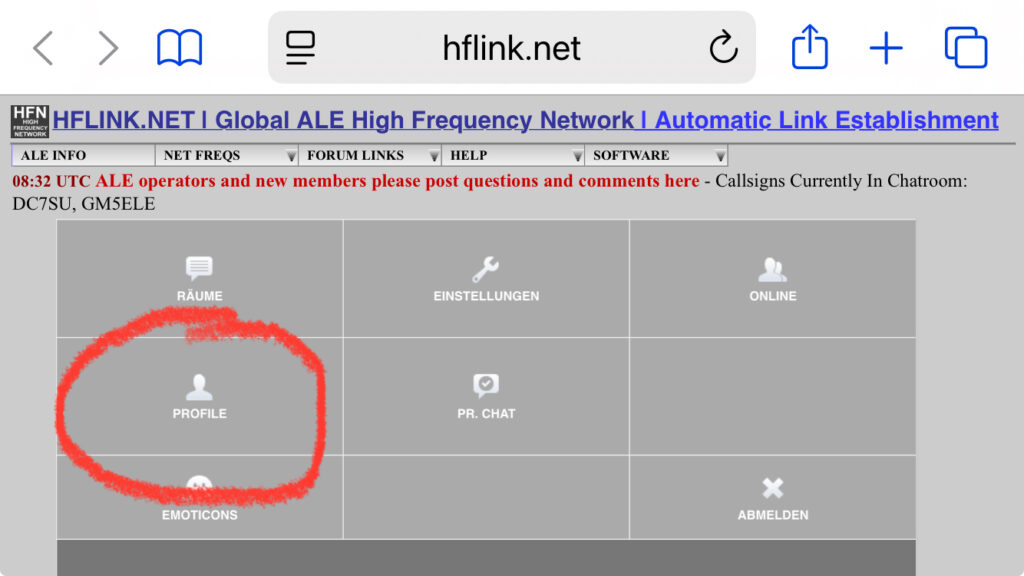
Click PROFILE now:
And then enter the locator that you determined at
grid.radio by Rose, M1RXO.
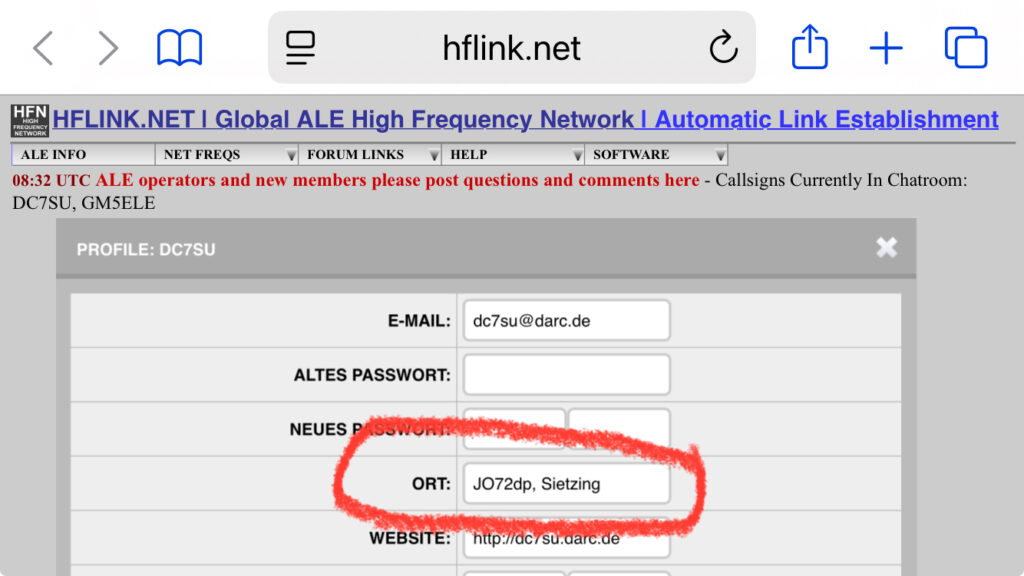
Then scroll all the way to the bottom of the profile frame and click SUBMIT.
Well, this post is meant to briefly describe how I (Henrik, DC7SU) came into contact with ALE.
Since I’m interested in both amateur radio and yacht sailing, and have had the opportunity to install a shortwave antenna since 2025, I bought an IC-7300 and an end-fed half-wave (EFHW) antenna. I strung it like a clothesline, 2 meters parallel to the ground.
So, I thought, now I can also participate in INTERMAR, the sailing radio amateurs or radio-using sailors. I read on their website that they were looking for so-called “net controls” and applied.
Unfortunately, I was only able to make very few shortwave QSOs. Luckily, I had contact with other radio amateurs (Y 36), so with Klaus and Thomas’s help, the EFHW is now strung as a slope antenna on a nearly 10-meter-high mast.
Tom from INTERMAR had since explained to me that there’s a station in Bruchsal that can be remotely controlled. This allows me to manage the network control more effectively from Berlin, where I have a reliable internet connection.
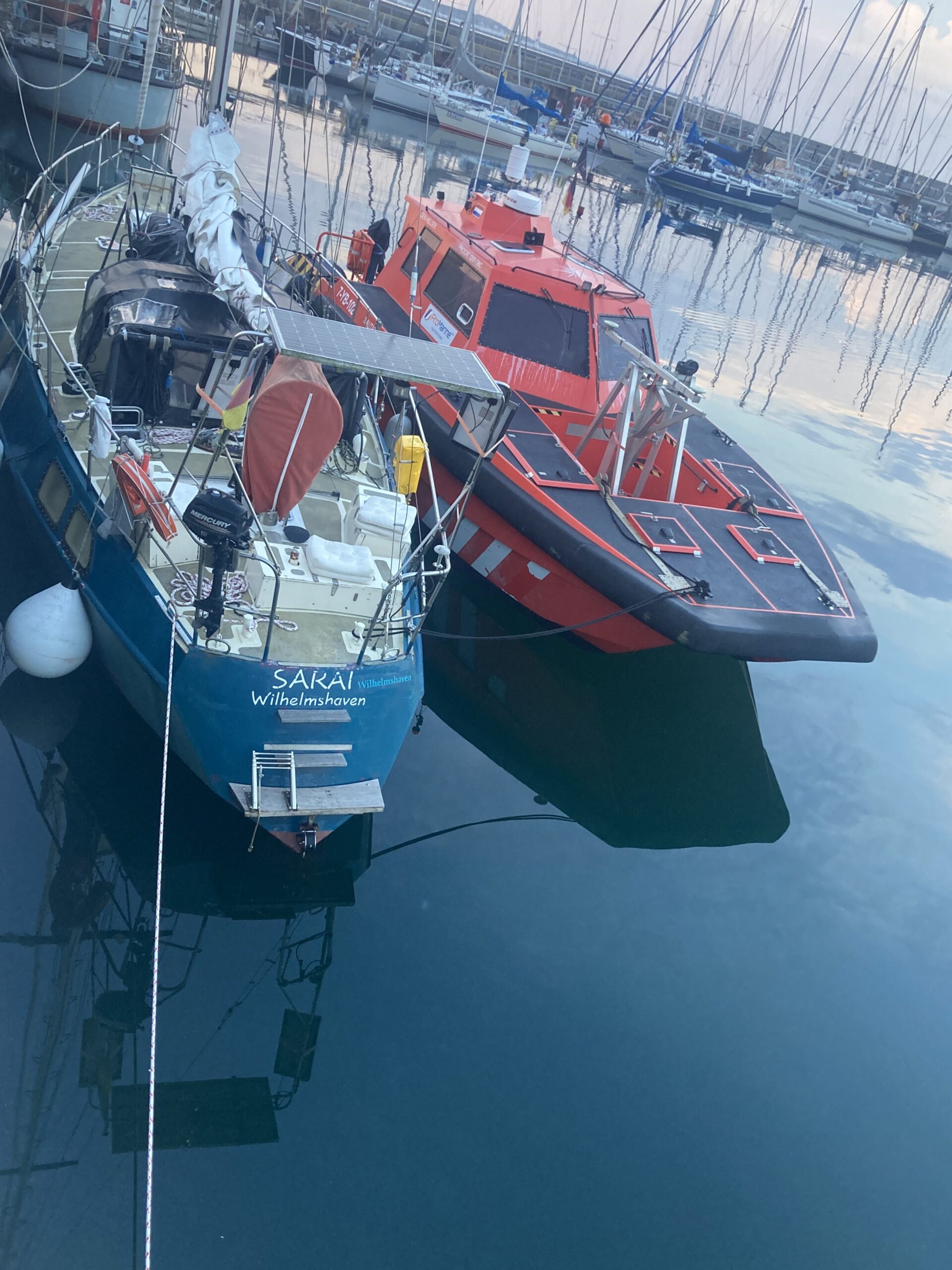
I got along so well with Tom that he invited me on a sailing trip on his yacht “Sarai,” and we spent a wonderful week on the North Sea, getting to know each other. I brought him up to speed on Digital Mobile Radio (DMR) and openGD77, and he brought me up to speed on topics such as Automatic Link Exchange (ALE).
To try out ALE myself, I downloaded the ion2g software. Robert from Berlin was a great help in getting everything up and running.
Tom, who is a strong advocate of the open-source movement and does a lot of programming himself, introduced me to PC-ALE 2.0 by Alex Pennington and openALE by Christian “Chris” Reineke.
… That would be exciting, of course—just plug a Raspberry Pi into the radio via USB and off you go. And then we’d finally have the sailor who knows when and on which frequency she can chat on shortwave, as well as retrieve GRIB data via WinLink…